Layout
A cleaner Launchpad that stays yours
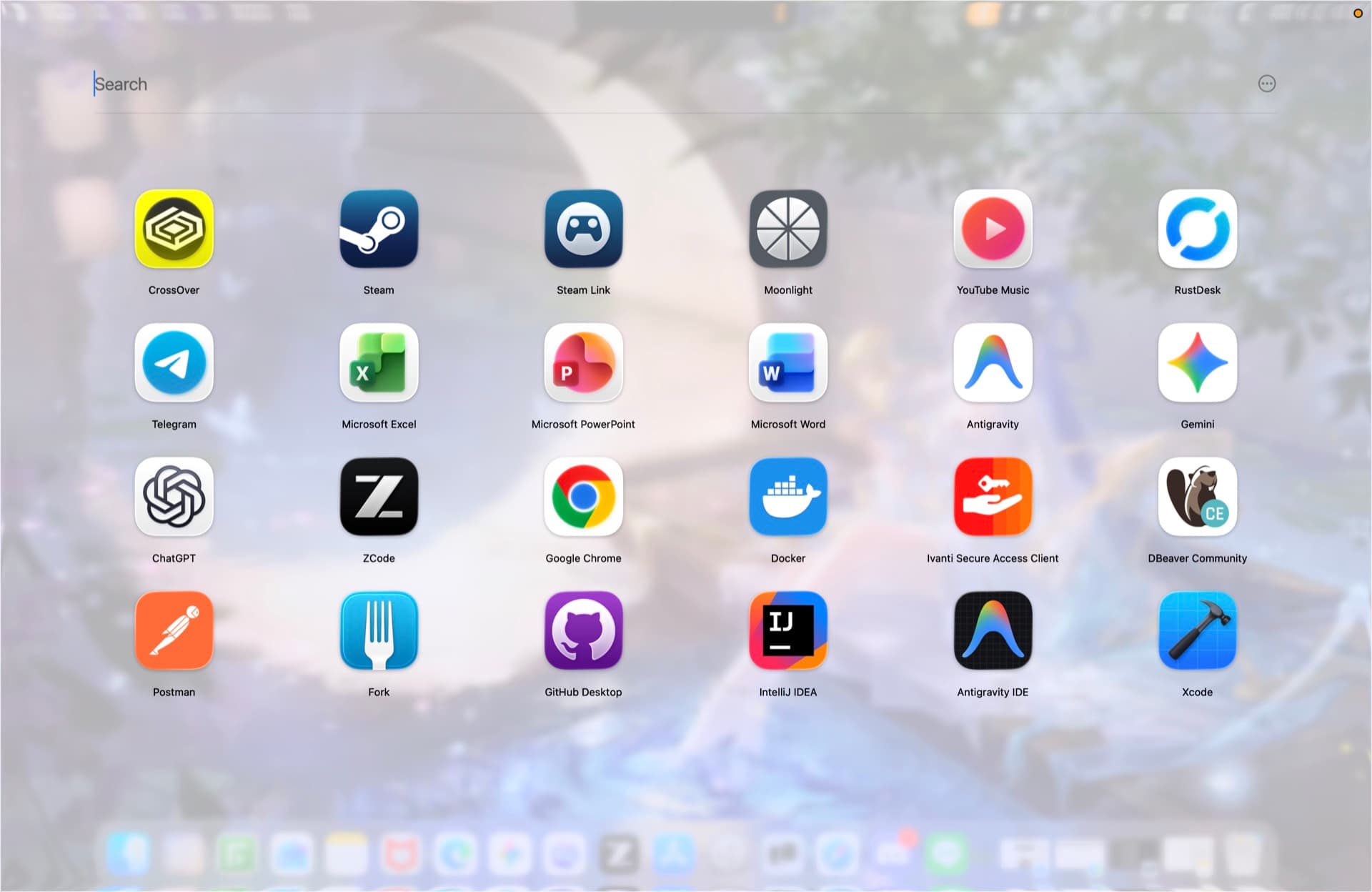
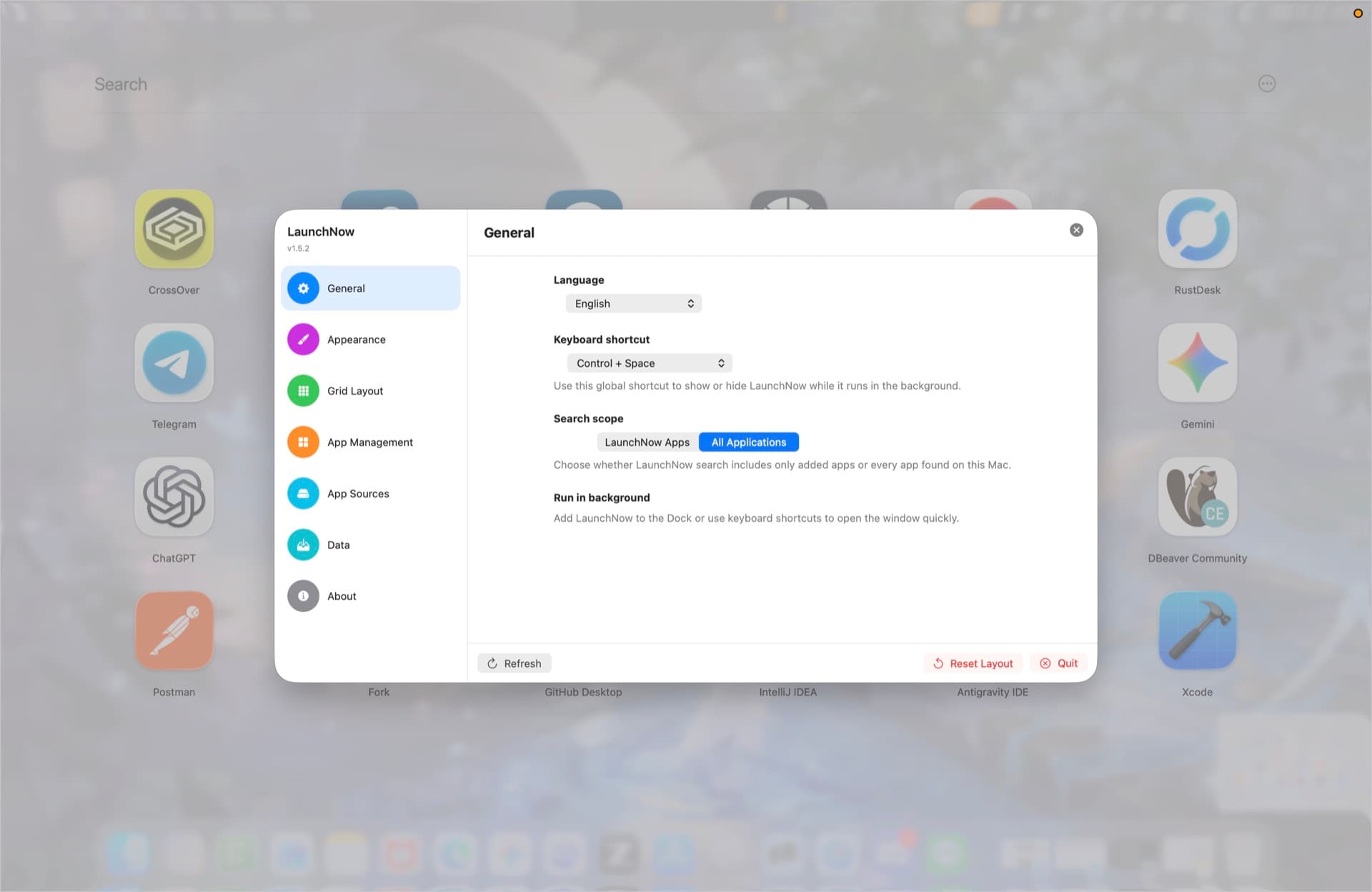
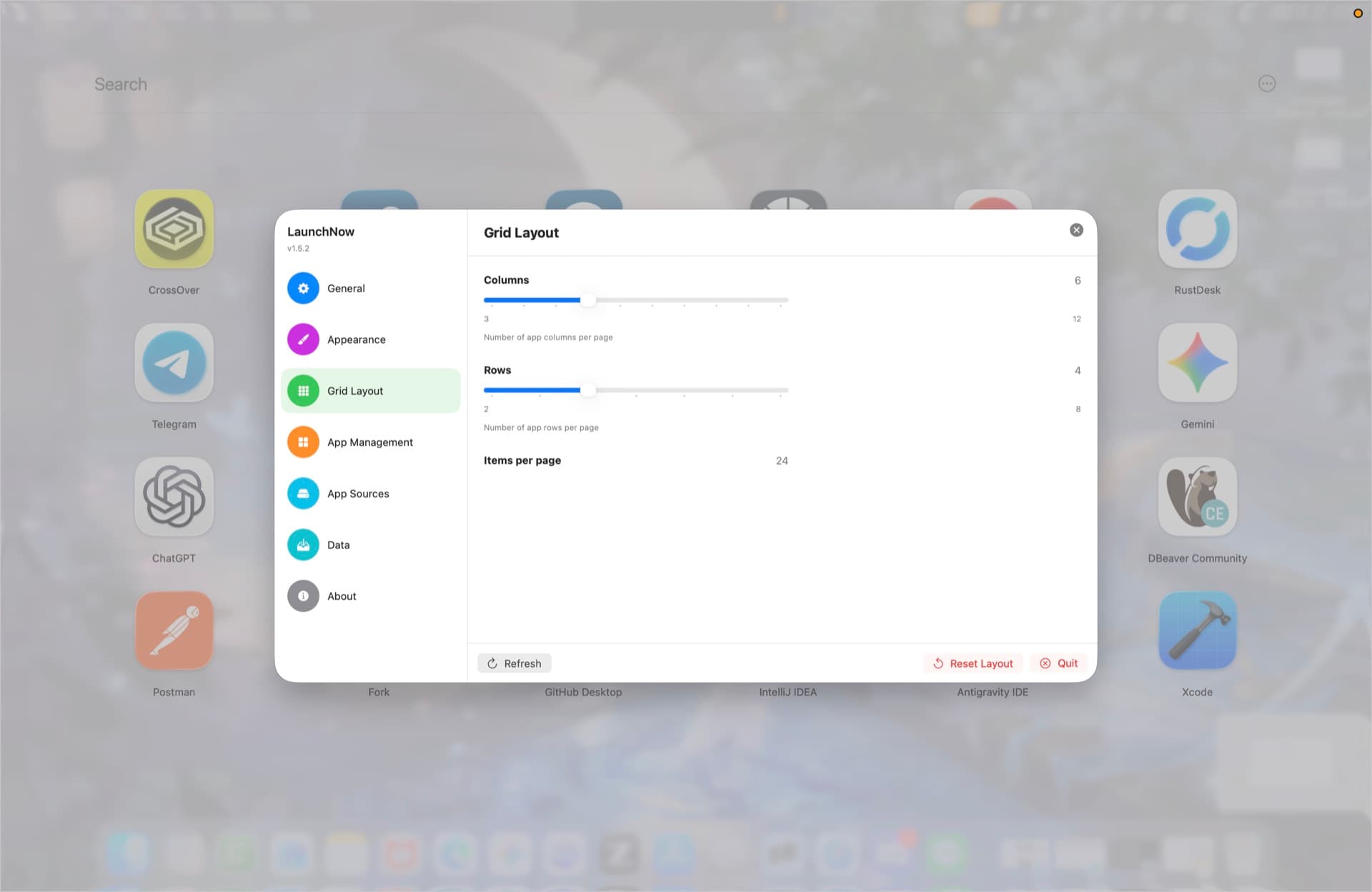
Tune columns, rows, fullscreen spacing, search scope, and scroll sensitivity without touching the real apps on disk.

LaunchNow
Organize apps, customize your grid, save profiles, back up to a cloud folder, and keep LaunchNow updated from one lightweight macOS-first utility.
1.5.2
Latest release
11
Completed 1.x roadmap features
12
Language choices including system language
Current Functions
The website now reflects the LaunchNow 1.5.x feature set: profiles, cloud folder sync, automatic update checks, background customization, search controls, app sources, and safer app management.
Layout
Tune columns, rows, fullscreen spacing, search scope, and scroll sensitivity without touching the real apps on disk.
Personalization
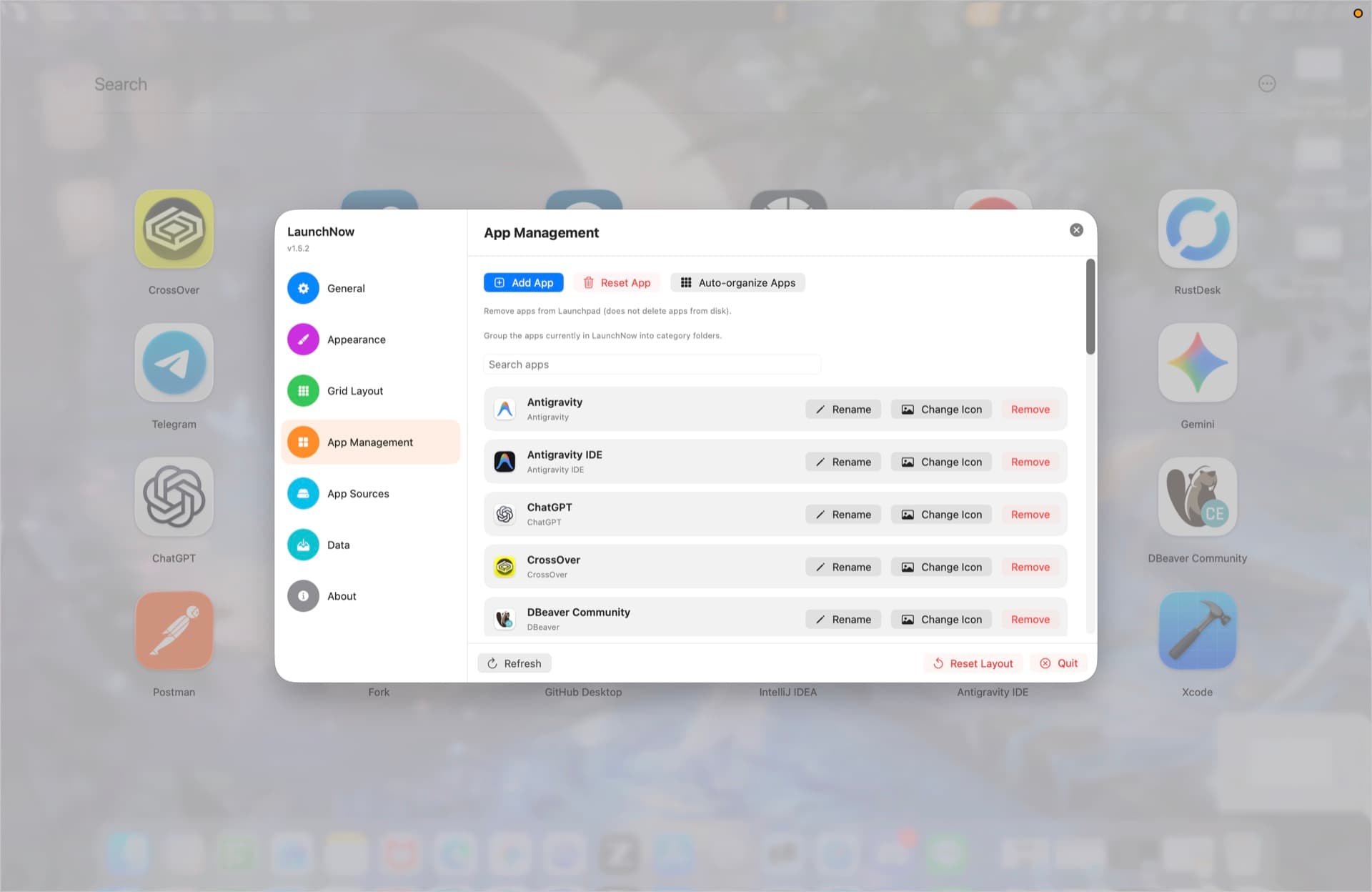
Use contextual actions to rename apps or folders, change app and folder icons, reset icons, remove items, and open apps in Finder.
Appearance
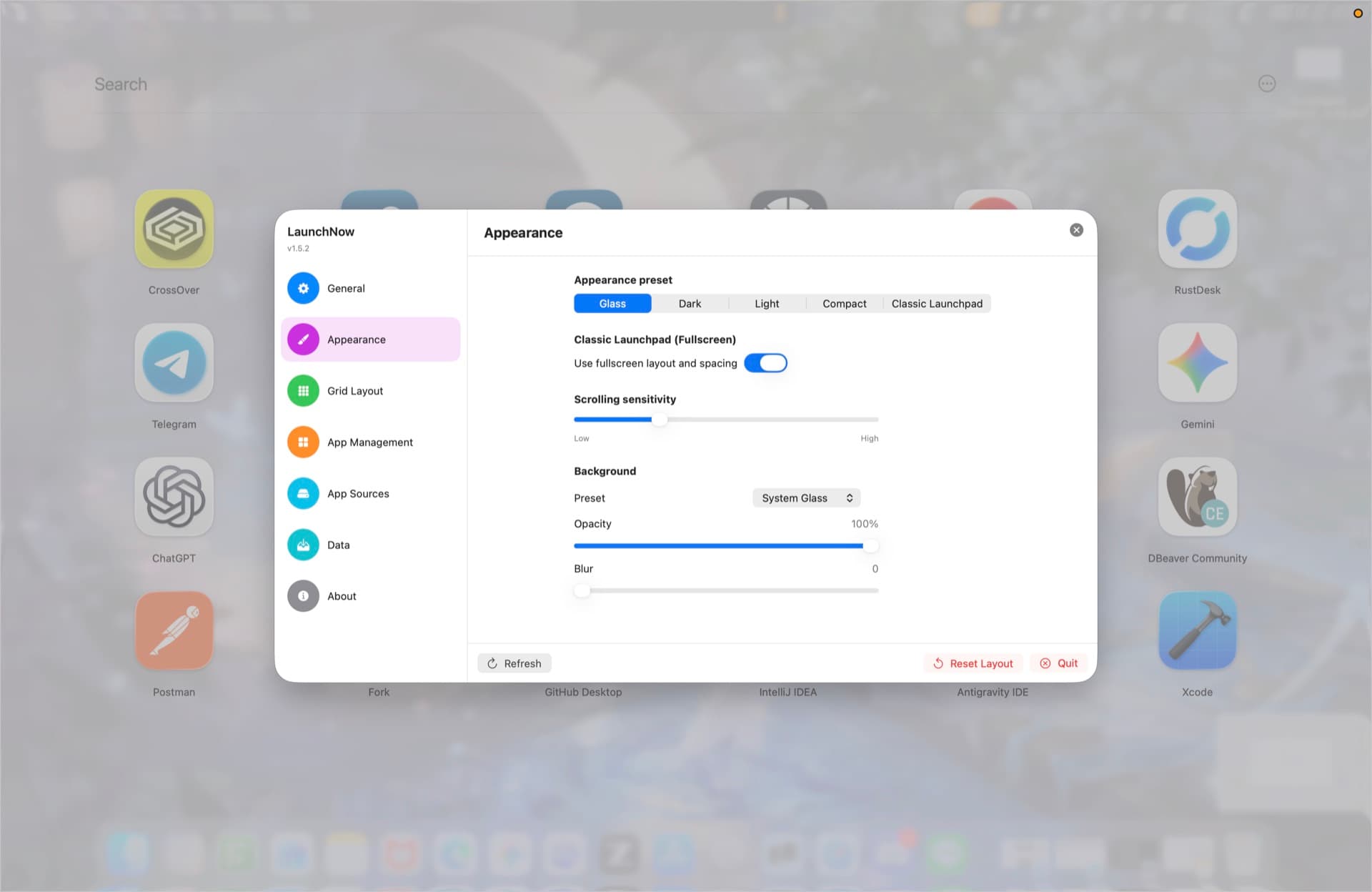
Choose Glass, Dark, Light, Compact, or Classic Launchpad presets, then refine the background image, opacity, and blur.
Profiles
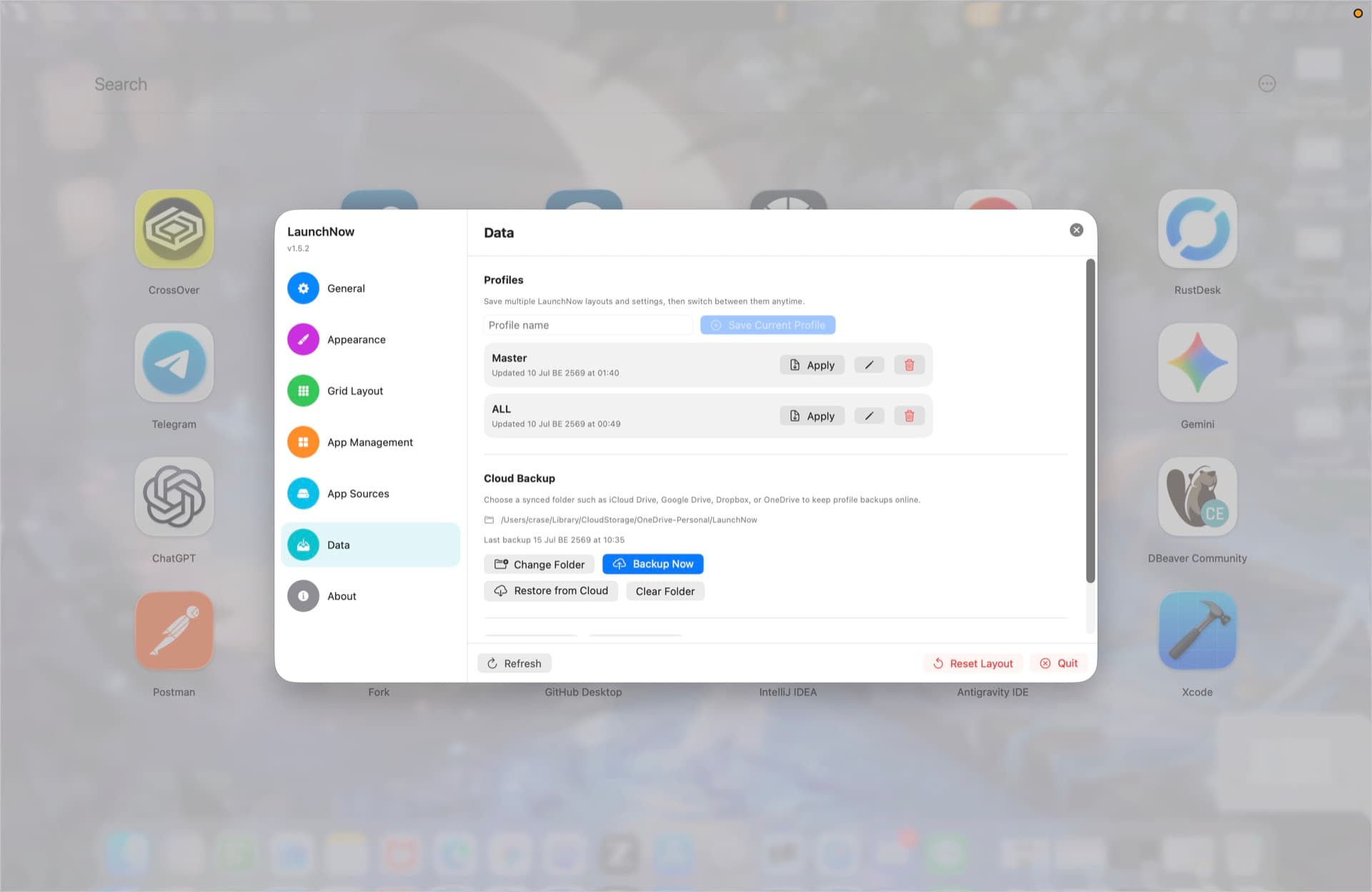
Keep Work, Personal, Gaming, or any other layout as profiles you can save, rename, apply, delete, export, and restore.
Cloud
Point LaunchNow at iCloud Drive, Google Drive, Dropbox, OneDrive, or another synced folder for profile backups.
Updates
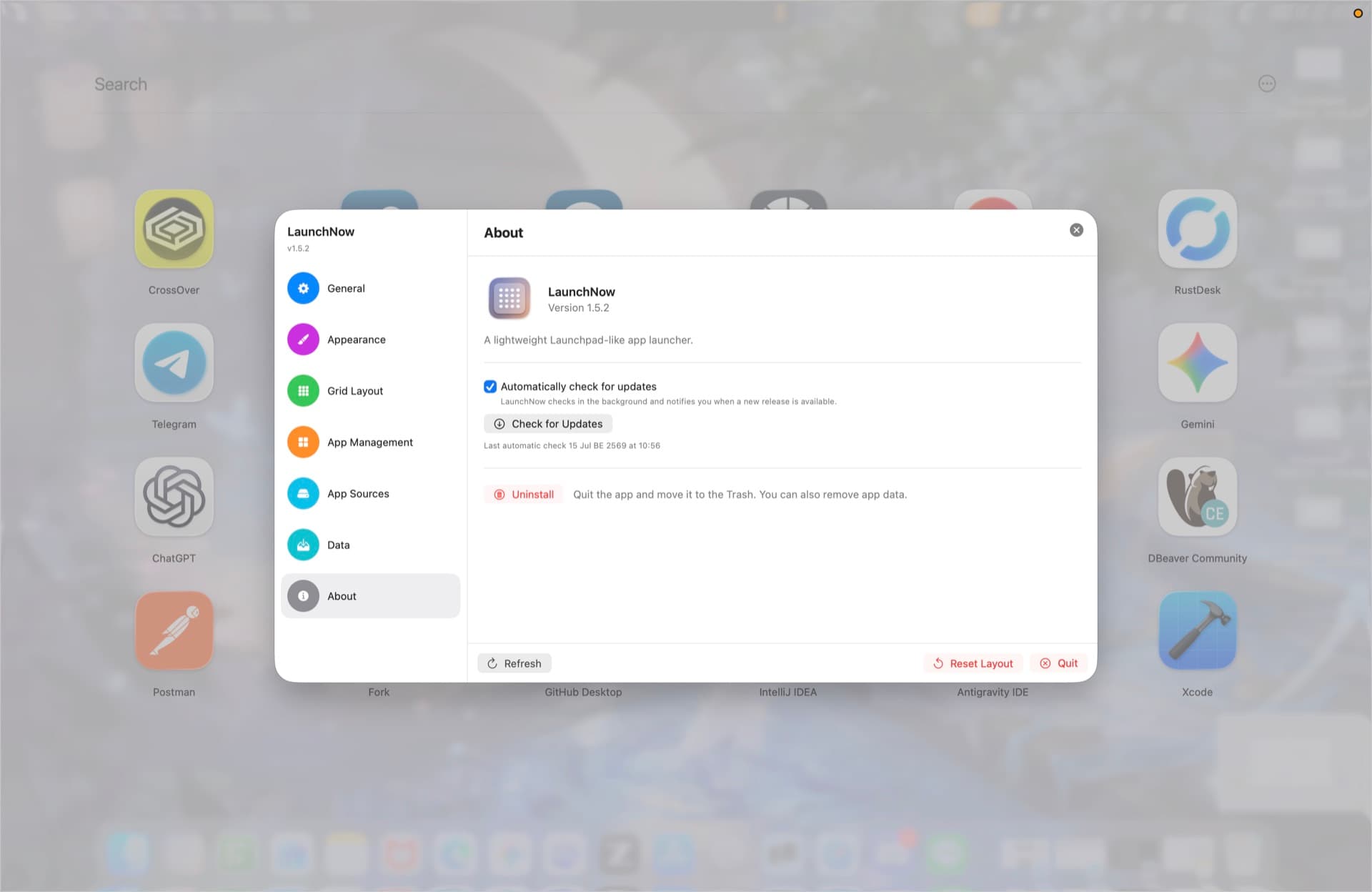
LaunchNow can check GitHub releases in the background, notify you when a new version is available, and install ZIP updates in-app.
Apps
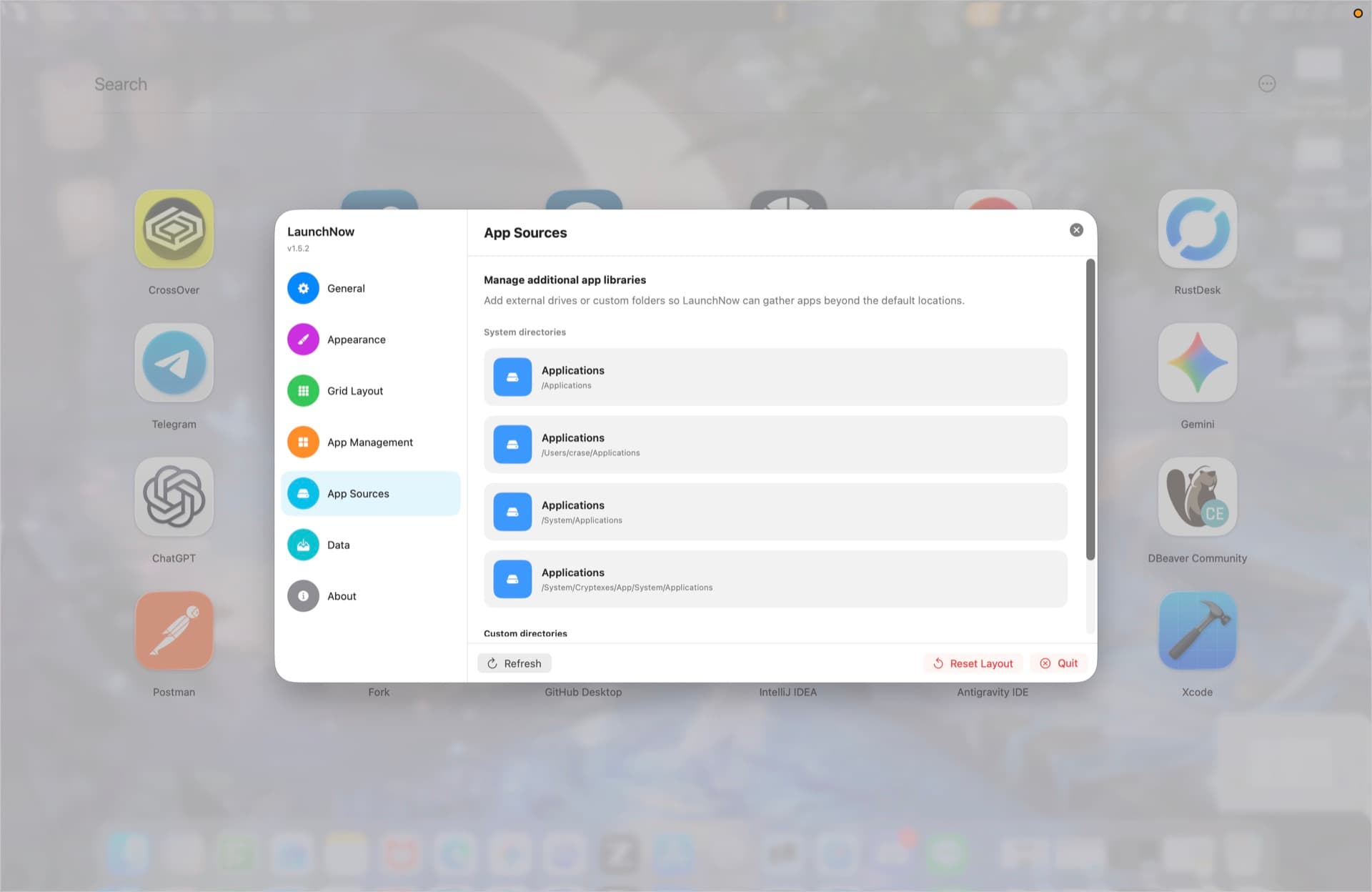
Search app lists, add apps from custom sources, remove items safely, or group your current apps into category folders.
Languages
Switch between English, Thai, Japanese, Korean, Simplified Chinese, Spanish, French, German, Portuguese, Indonesian, Vietnamese, or system language.
Data Safety
Save layouts as profiles, restore them later, and keep a backup in a synced folder. LaunchNow stores profile data separately from your installed apps, so layout experiments stay reversible.
Gallery
Browse the app grid, settings, appearance controls, app management, data backup, and update panels from LaunchNow 1.5.2.
Ready for macOS
Install with the DMG, then let the built-in updater keep future versions current with automatic checks and in-app ZIP updates.